
Free SketchUp Plugins Built to Help You Model Faster.
Download ten practical free SketchUp plugins created by Nice Tower for architects, interior designers and 3D artists. From animation and curved geometry to stairs and Boolean modeling, Choose the tool for the task, test it on a copy of your model, and check the result before using it across a project.
Choose the right tool for your next SketchUp model
Each of these free SketchUp plugins solves one focused modeling problem. Open its page to see features, videos, workflow examples and the free download.
These free SketchUp extensions support faster architectural modeling without adding a complicated workflow. Use them to animate moving parts, build accurate stairs, create and repair faces, stretch or bend geometry, distribute components along paths, extrude profiles upright and complete Boolean or trimming operations. Each dedicated plugin page includes a clear feature overview, workflow guidance, visual demonstrations, compatibility notes and a direct RBZ download.
NT Motion Joint
Animate doors, drawers, hinges and sliding parts with an intuitive joint-based workflow.
SketchUp animation plugin Explore Plugin
NT FlexPath
Bend and deform geometry smoothly along any selected curve or architectural path.
bend along curve SketchUp Explore Plugin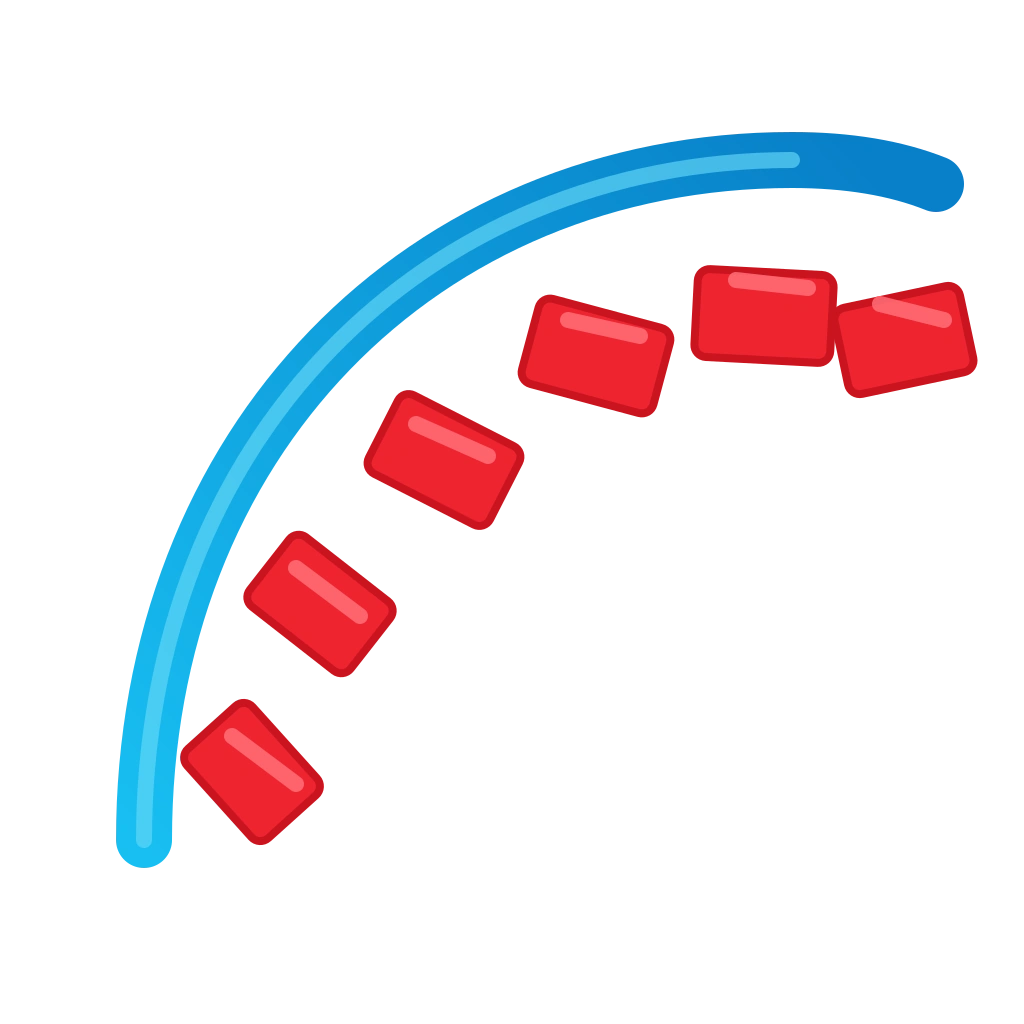
NT Array
Distribute component copies precisely along straight, curved and custom paths.
copy along path SketchUp Explore Plugin
NT Axis Bend
Bend selected geometry interactively with accurate control across multiple axes.
bend SketchUp plugin Explore Plugin
NT Face
Create missing faces and extrude surfaces quickly during detailed modeling.
make face SketchUp plugin Explore Plugin
NT Flex Stretch
Stretch complex geometry through a selected area while keeping the model editable.
stretch by area SketchUp Explore Plugin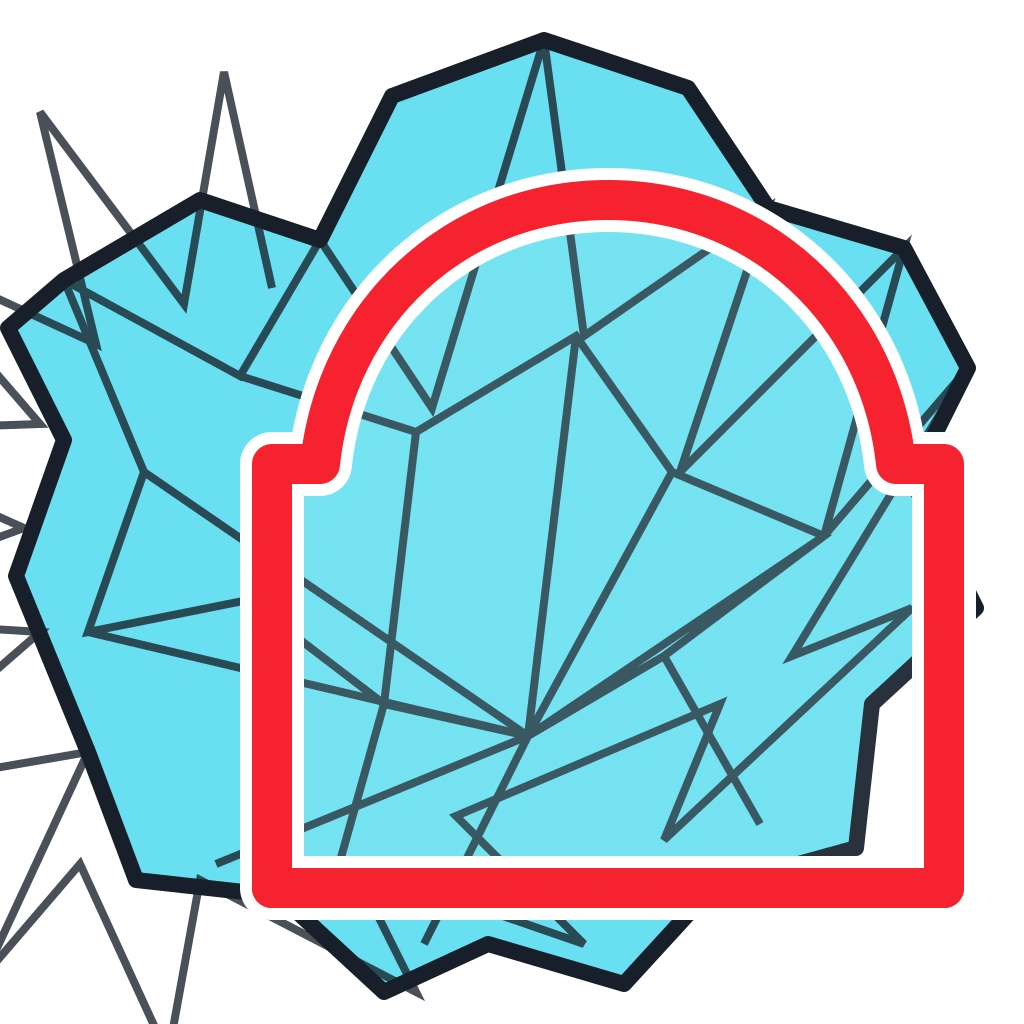
NT Trim
Trim solid and non-solid geometry cleanly using a face as the cutting boundary.
trim faces SketchUp Explore Plugin
NT UpSweep
Extrude an upright profile along a path for reliable rails, trims and moldings.
upright extrude SketchUp Explore Plugin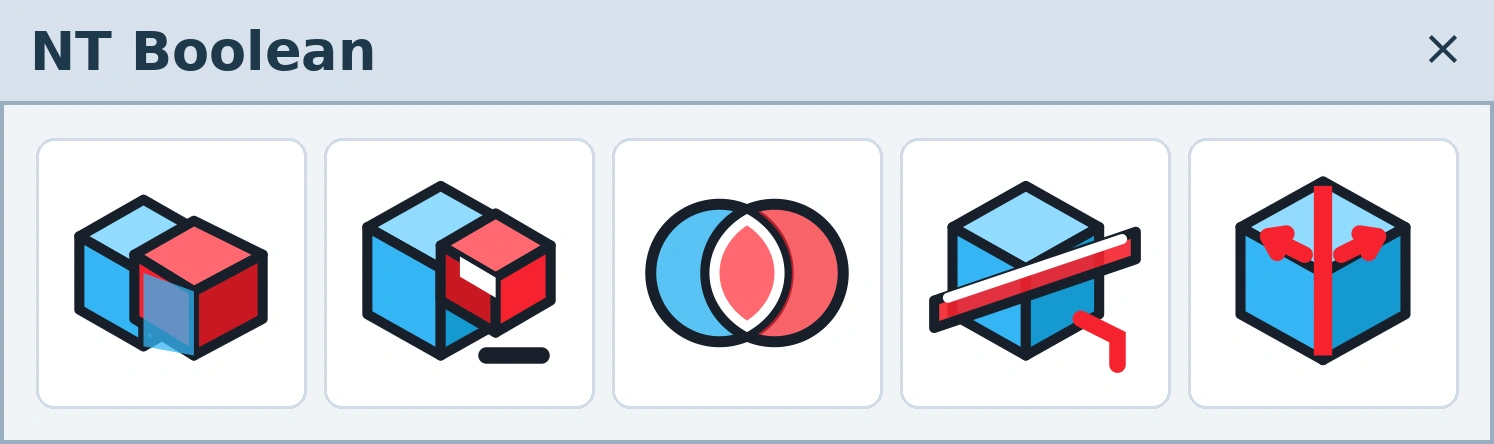
NT Boolean
Run union, difference, intersection, trim and split operations on solid geometry.
Boolean tools SketchUp Explore Plugin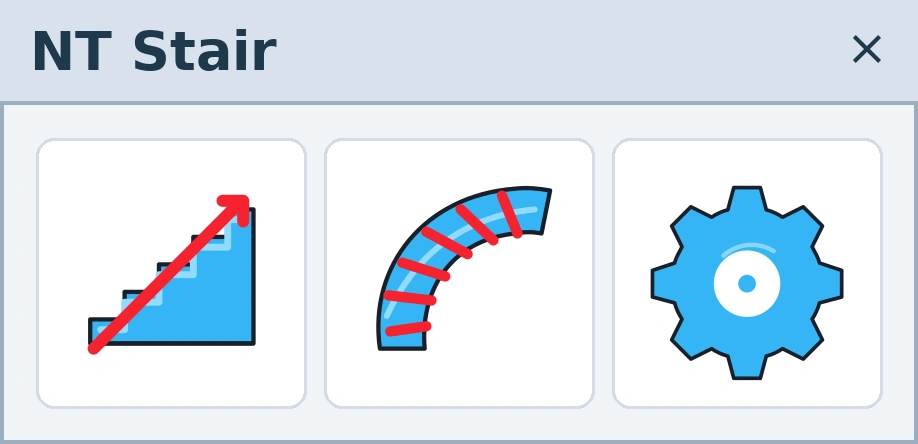
NT Stair
Generate accurate straight or curved stairs with practical architectural controls.
stair plugin SketchUp Explore PluginSmall tools. Meaningful time savings.
Built for real projects
Commands target common architectural and 3D modeling bottlenecks instead of adding unnecessary complexity.
Fast to learn
Clear toolbars and focused actions help you get useful results without a long learning curve.
Free to download
Every plugin in this NT collection is available free, with a dedicated guide and examples.
Install any SketchUp plugin in three steps
Download the RBZ
Open the plugin page and download the free RBZ installer to your computer.
Open Extension Manager
In SketchUp, go to Extensions → Extension Manager and choose Install Extension.
Enable the toolbar
Select the RBZ file, complete the installation, then show the NT toolbar from the View menu.
Free SketchUp plugin FAQ
Are all NT Plugins free?
Yes. All ten SketchUp plugins in this collection are currently available as free RBZ downloads.
How do I install an RBZ plugin in SketchUp?
Open Extension Manager in SketchUp, click Install Extension, select the downloaded RBZ file and restart SketchUp if the toolbar does not appear immediately.
Can I use these tools for architectural projects?
Yes. The collection was designed around practical architecture, interior design and 3D modeling workflows, including stairs, arrays, curved elements, animation and solid operations.
Start modeling faster today
Explore the NT Plugins collection, choose the tool that fits your workflow and download it free.
View All Free PluginsFor additional verified extensions, visit the official SketchUp Extension Warehouse .