
Door SKP Models – 12 Free SketchUp Door Downloads
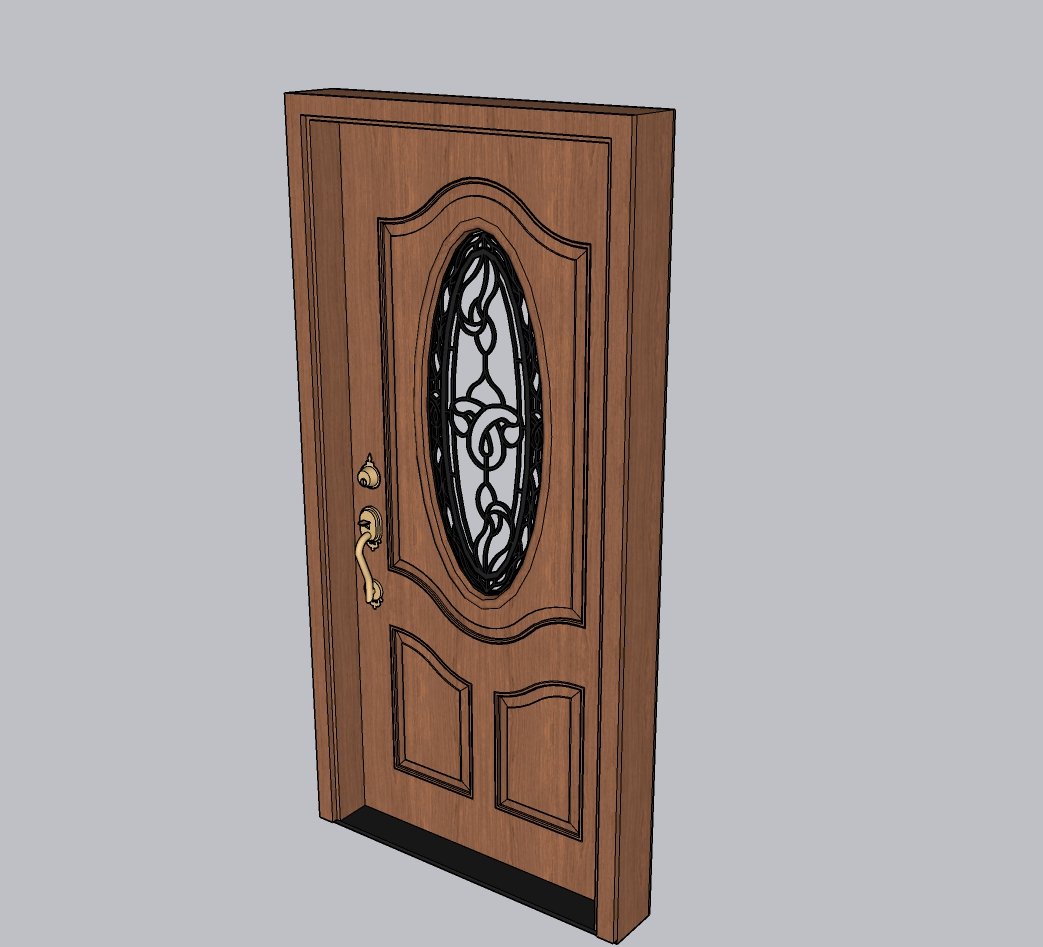
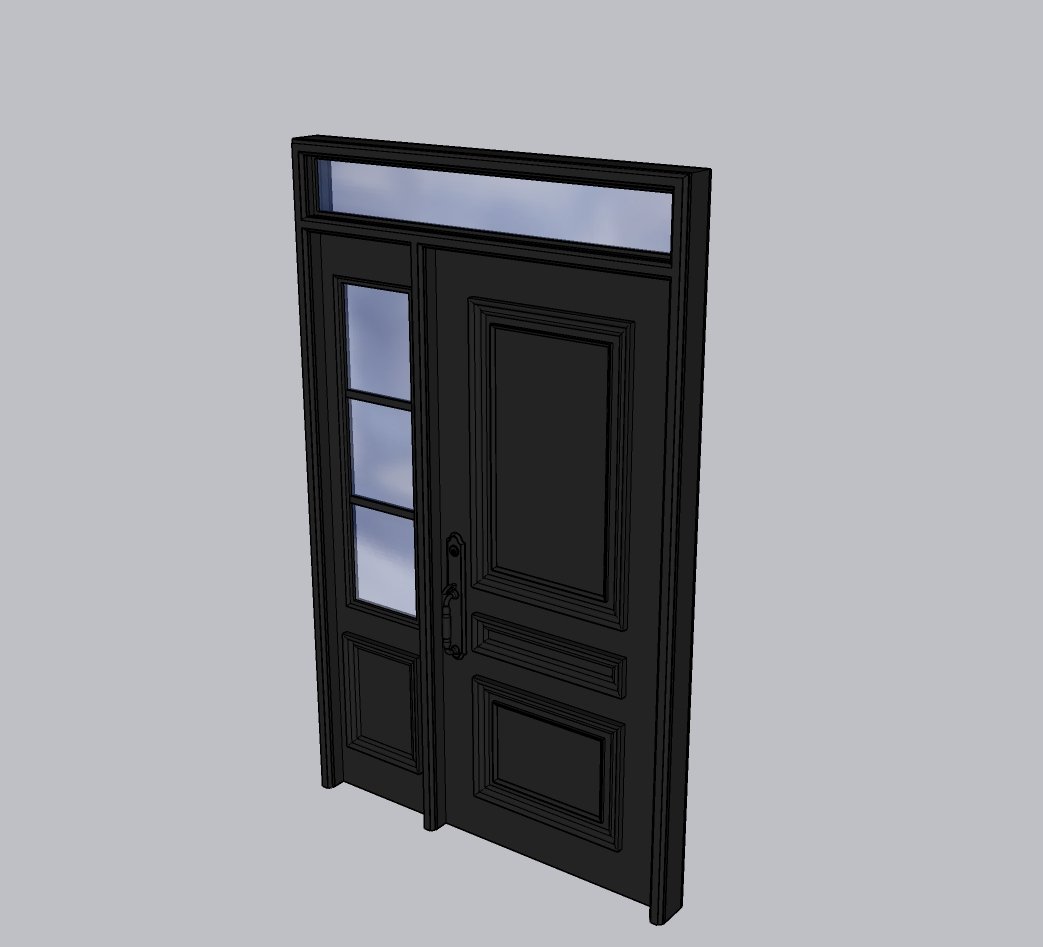
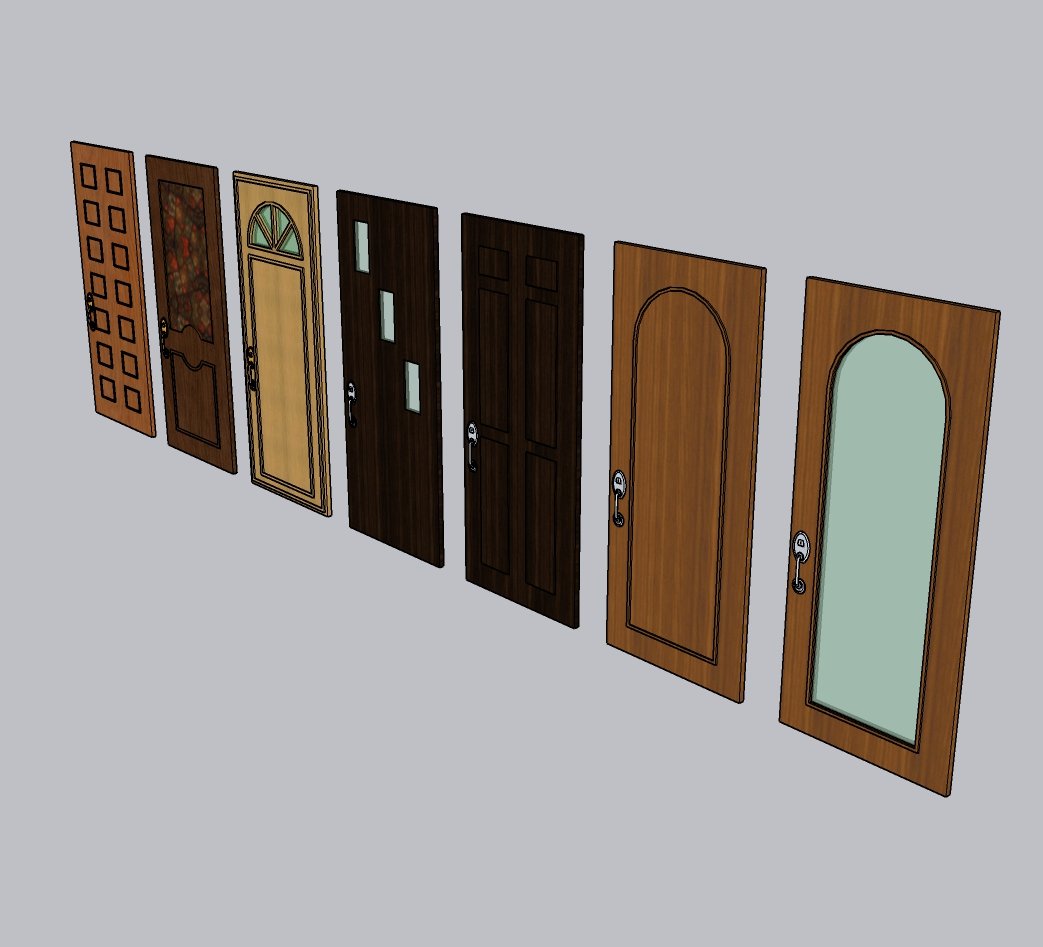
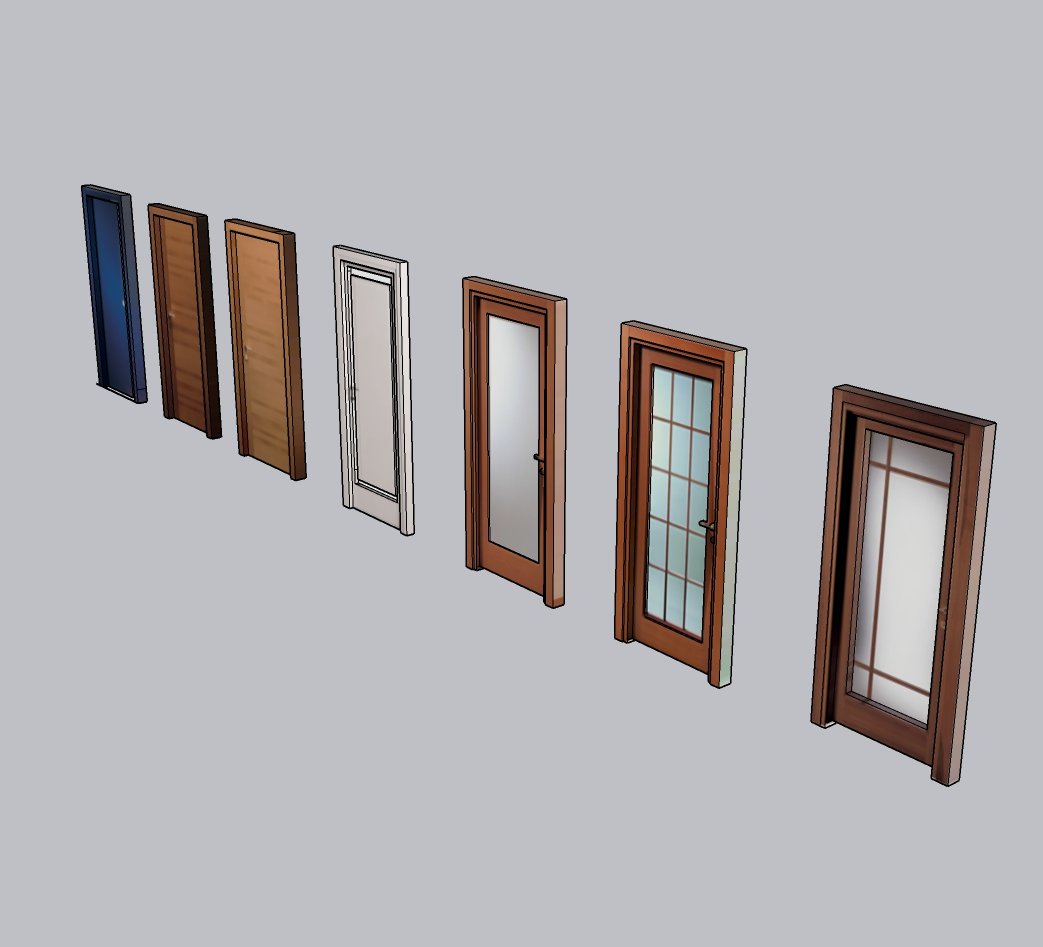
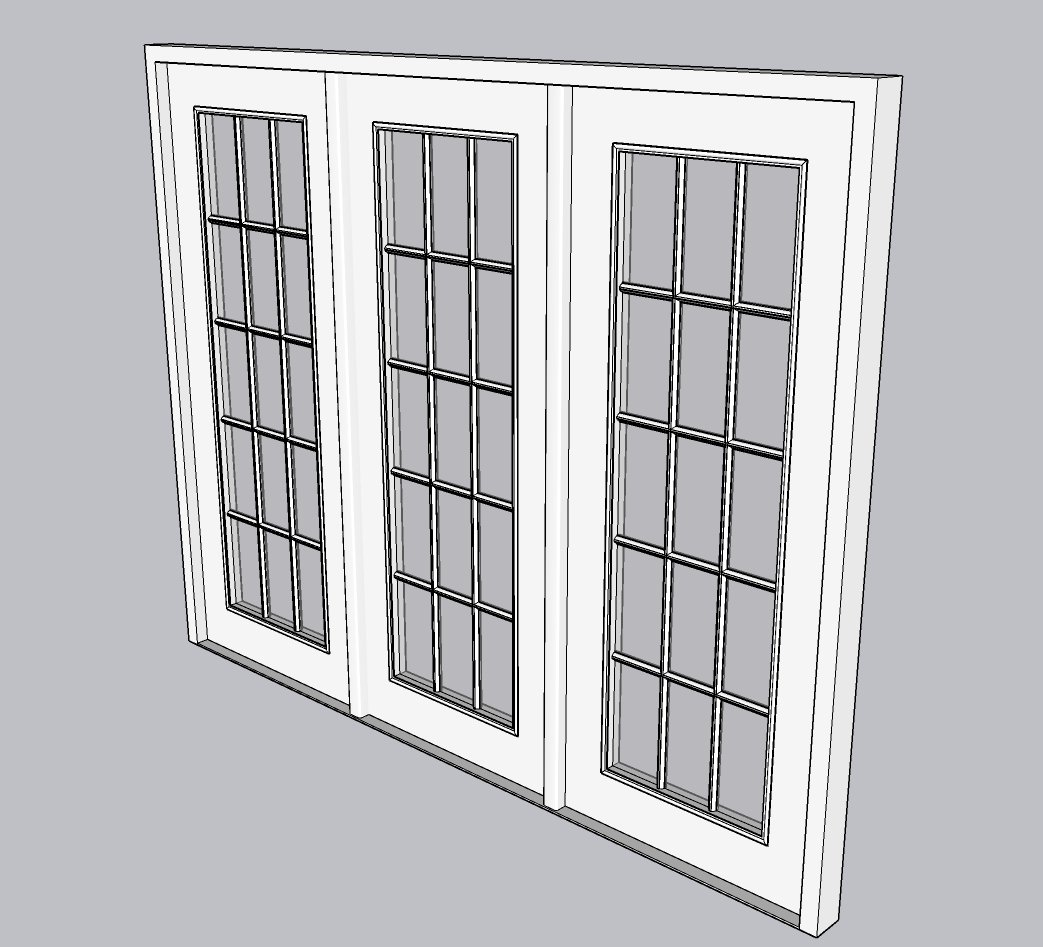
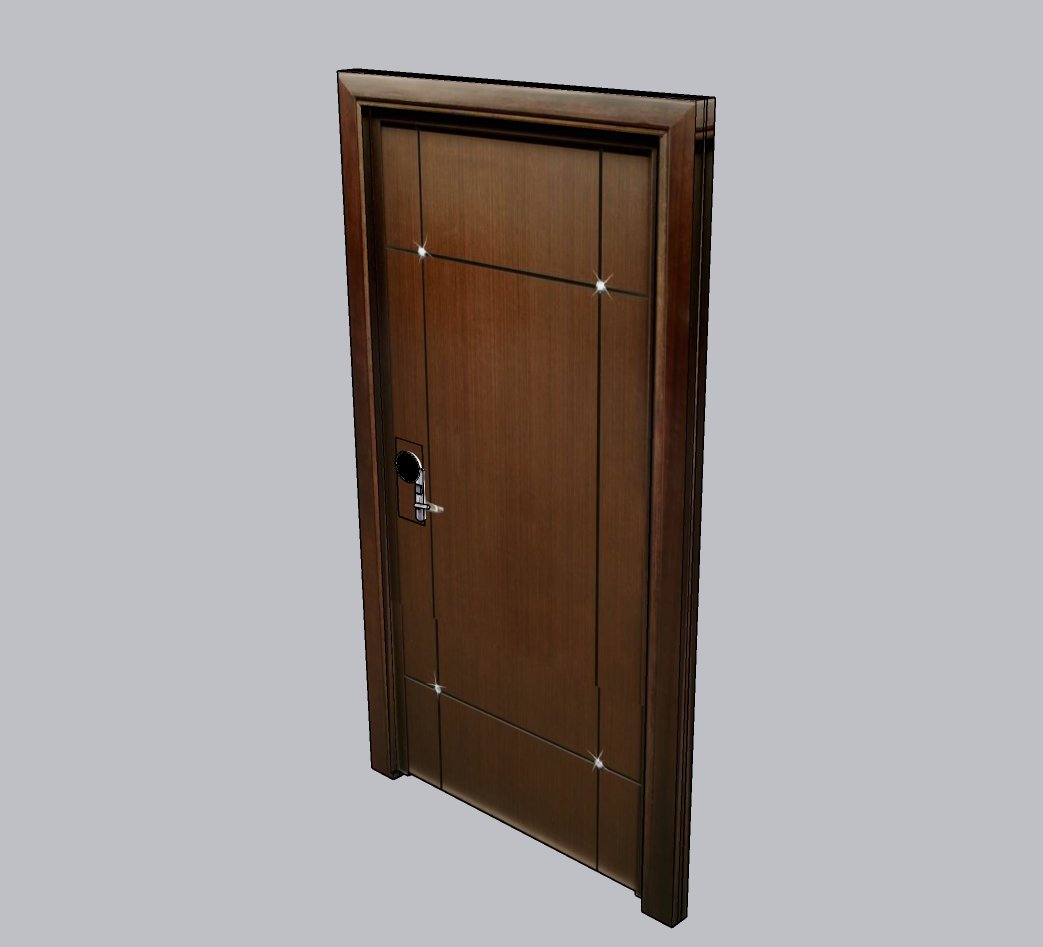
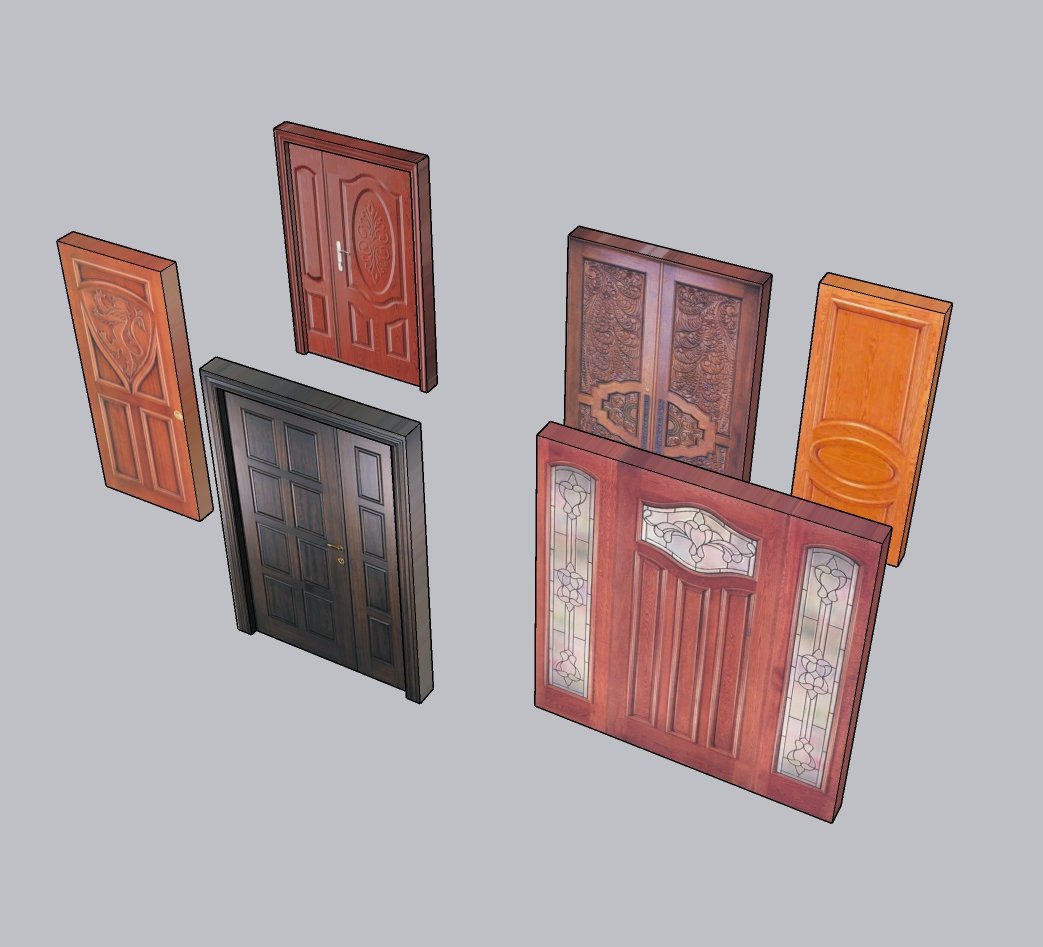
Download 12 free door SKP models for SketchUp and compare interior doors, entrance doors, glazed panels and wooden door collections in one place. These 3D door models give you a practical starting point for residential layouts, interior design studies and architectural presentations. Use the previews to choose a style that suits your room or facade before opening the matching SketchUp file. After importing a model, check its dimensions, frame depth and opening direction against your wall layout. Adjust materials and placement to fit your design, and keep detailed components separate while testing the scene. Browse the collection below to find a suitable door, then download the file and review its geometry in your version of SketchUp.





Fit a downloaded door to your SketchUp opening
- Open the downloaded SKP separately and inspect the leaf, frame and any surrounding geometry. Keep the original file.
- Import the saved model into your SketchUp Desktop project with File → Import, then place it near the intended opening.
- Measure the opening width and height and compare them with the model. Check frame depth against wall thickness before scaling.
- Align the frame with the wall using Move and Rotate. Check the hinge side, handle side and swing clearance rather than judging fit from the thumbnail.
- Keep the door as a component. If several instances share a definition, edits to its geometry affect those instances; make a separate working copy when a different design is needed.
A downloaded door does not necessarily cut an opening or include working hinges. Inspect the actual file before relying on either behavior. Review any supplied license before including it in a client project.
Turn your door model into an interior presentation
Place the door in your SketchUp room, check its scale and opening direction, then choose your next step:
- Explore SUAPP AI rendering to develop material and lighting ideas for your interior.
- View Nice Tower SketchUp courses for structured modeling training.
These are optional next steps; the door downloads above remain free. SUAPP links on our guide may earn Nice Tower a commission.