
Original tools by Nice Tower
Free SketchUp Plugins by Nice Tower
Looking for a free SketchUp plugin download? Start with these four NT tools for trimming geometry, creating faces, copying along paths and building stairs. Open each guide for features, installation details and the free RBZ download.
NT Trim
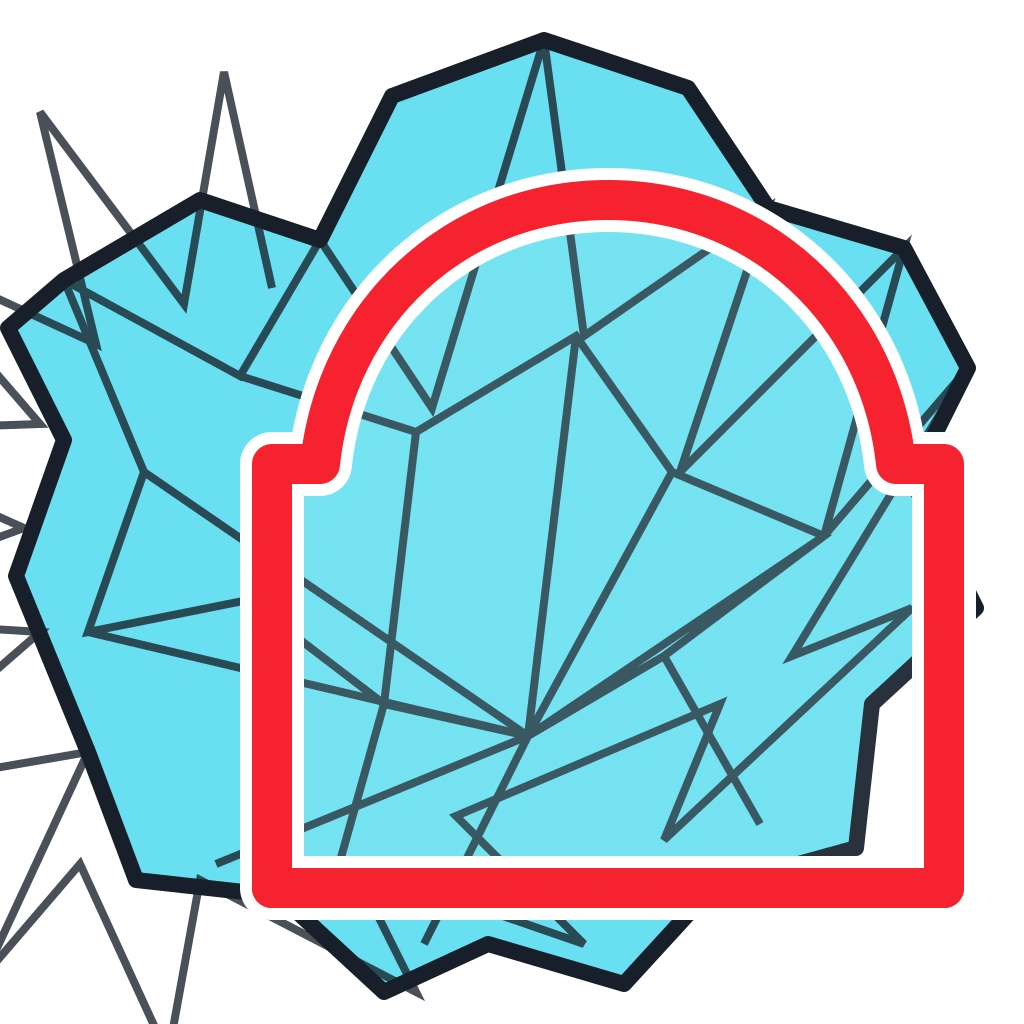
Trim solid and non-solid geometry cleanly using a face as the cutting boundary.
Explore NT Trim
NT Array
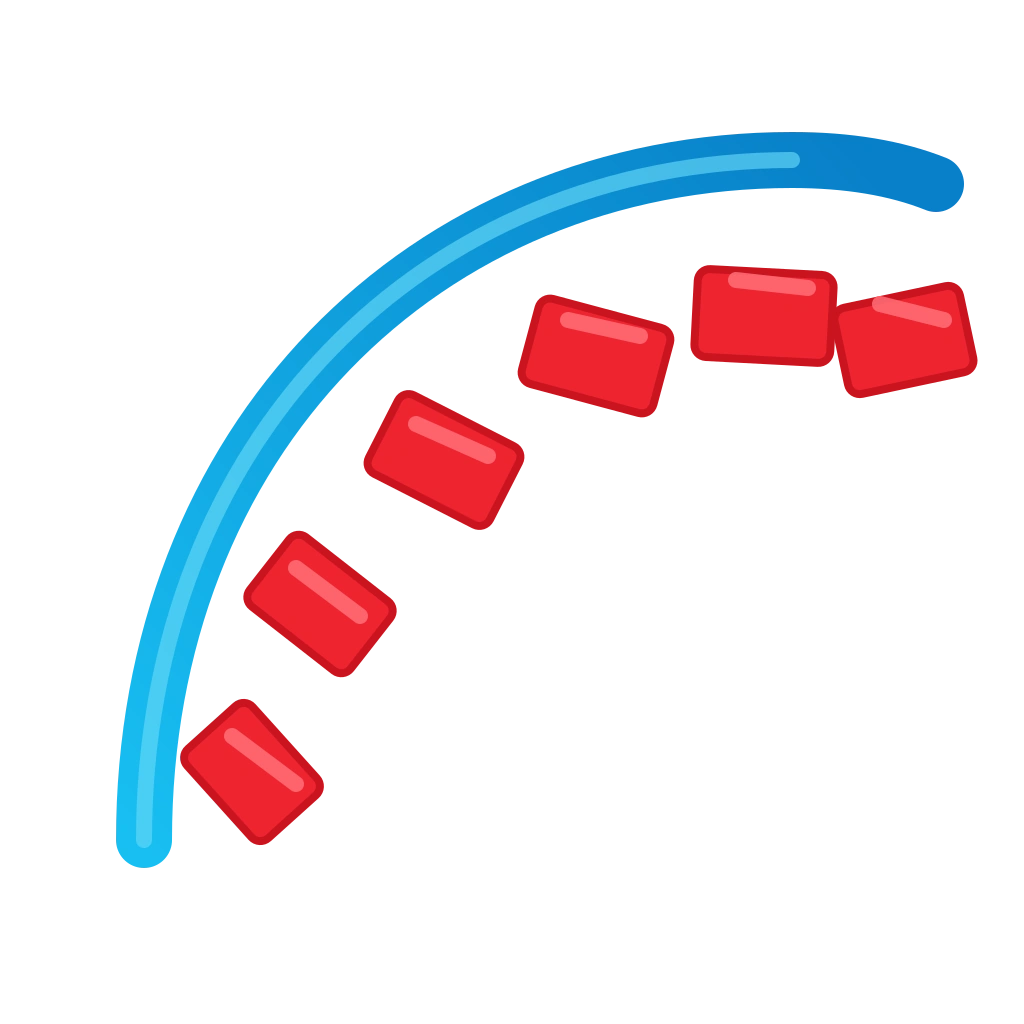
Distribute component copies precisely along straight, curved and custom paths.
Explore NT Array
NT Stair
Generate accurate straight or curved stairs with practical architectural controls.
Explore NT StairFree SketchUp Plugins for Modeling, Cleanup, Curves, and More

Shape Bender
Shape Bender helps you bend geometry along a custom curve, making it easier to create flexible forms, creative shapes, and dynamic SketchUp modeling workflows.
Curic Face Knife
Curic Face Knife helps cut faces quickly and accurately, improving cleaner geometry edits and faster detailed modeling inside SketchUp.

True Bend
True Bend makes it easier to bend groups and components into curved forms, ideal for furniture design, product modeling, and creative 3D workflows.
CleanUp³
CleanUp³ helps optimize SketchUp models by removing unnecessary geometry, duplicate faces, stray edges, and unused materials for a cleaner and faster workflow.

Solid Inspector²
Solid Inspector² helps identify holes, internal faces, stray edges, and geometry problems, making it easier to create clean solid SketchUp models.

Selection Toys
Selection Toys provides advanced selection filters and management tools, helping users select, organize, and edit SketchUp geometry more efficiently.

Upright Extrude
Upright Extrude helps extrude faces vertically with better control, making it useful for architectural forms, façade elements, and faster SketchUp workflows.
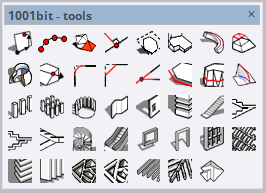
1001bit Tools
1001bit Tools adds practical architectural commands for creating stairs, windows, roofs, and other building elements faster inside SketchUp.
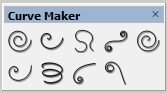
Curve Maker
Curve Maker helps generate curves and decorative shapes more easily, making it useful for creative modeling, detailing, and smoother SketchUp design workflows.
DBS Move Rotate
DBS Move Rotate helps move and rotate objects more efficiently, improving repetitive positioning tasks and providing better control inside SketchUp workflows.
Sandbox Tools
Sandbox Tools helps create terrain, landscape forms, and organic surfaces for site modeling, outdoor planning, and smoother SketchUp workflows.
Scale By Tools
Scale By Tools helps you resize objects with better control, making it easier to adjust proportions and work more efficiently on precise SketchUp models.
Random Tools
Random Tools adds useful randomization functions in SketchUp, helping you create more natural variations for objects, layouts, and repetitive design elements.

Windows Builder
Windows Builder helps you create window elements faster in SketchUp, making it useful for architectural modeling, façade design, and repetitive workflow tasks.

Bezier Surface
Bezier Surface allows you to create smooth and complex curved surfaces in SketchUp, making it ideal for organic forms, advanced modeling, and high-quality architectural designs.
Curic Space
Curic Space helps you organize, align, and manage objects in SketchUp more efficiently, improving spatial control and speeding up your workflow in complex modeling scenes.

MAJ Stair
MAJ Stair simplifies stair modeling in SketchUp by generating accurate and customizable stair designs, making it ideal for architectural projects and detailed interior layouts.