
Best SketchUp Plugins and Extensions for Efficient 3D Modeling (2026 Guide)
What Are SketchUp Plugins and Extensions?
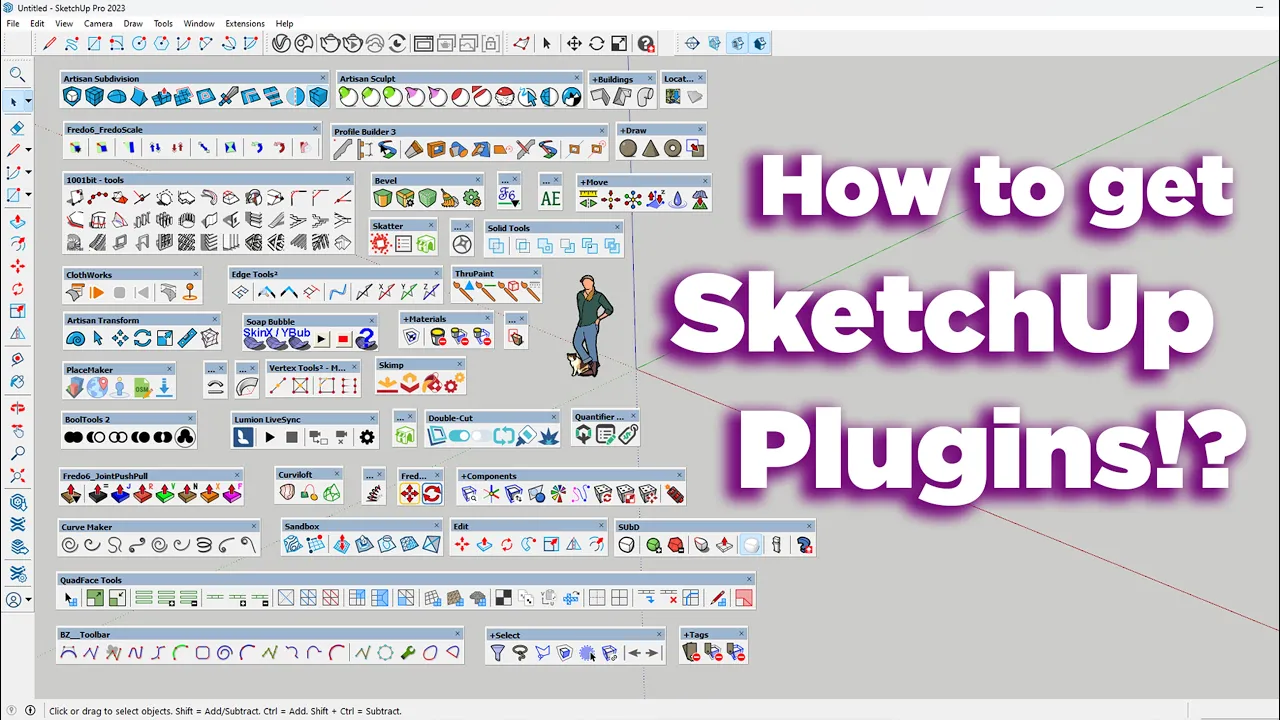
SketchUp plugins (also called SketchUp extensions) are add-ons that expand the native tools of the SketchUp 3D design software. They help you model faster, manage complex projects with less effort, and achieve cleaner, more accurate results. With the right combination of plugins, architects, designers, and 3D modelers can work more productively and creatively.
These extensions are used in architectural design, interior design, landscape modeling, and engineering projects. From simple productivity helpers to advanced parametric systems, well-chosen SketchUp plugins can dramatically improve both modeling speed and design quality. At Nice Tower Pro, we review and curate the most useful tools so you can quickly find plugins that match your workflow.
Key Benefits of Using SketchUp Plugins
Adding the right plugins to SketchUp lets you move beyond basic modeling and focus on design decisions instead of repetitive tasks. Plugins can automate routine operations, enforce consistent accuracy, and unlock advanced modeling features that are difficult or impossible to achieve with the default toolset alone.
- Faster and more efficient modeling workflows
- Cleaner geometry and improved dimensional accuracy
- Advanced tools for curves, solids, structures, and architectural details
- Significant time savings on repetitive design operations
- Greater flexibility and more creative control over your models
Free vs. Paid SketchUp Add-ons
SketchUp add-ons are available in both free and paid versions. Free tools are perfect for beginners, students, and everyday modeling tasks. Professional users often rely on premium plugins that offer deeper automation, more control, and better performance on large or complex projects.
Many designers combine a core set of paid plugins with selected free tools. This balanced approach keeps costs under control while still delivering a fast and scalable SketchUp workflow.
Learn to Use Plugins the Right Way
The real power of plugins appears when you understand where they fit into your process. Nice Tower Pro provides step-by-step SketchUp tutorials that demonstrate professional modeling techniques.
Build a Smooth SketchUp Workflow
Plugins are most effective when combined with a clear and optimized workflow. Explore our SketchUp workflow guides .
Combine Plugins with Quality 3D Models
Access professional SketchUp 3D models to enhance your projects.
AI and Modern Tools in the SketchUp Ecosystem
Tools such as Suapp AI help designers automate tasks.
Explore Plugins by Category