Nice Tower

Best Free SketchUp Plugins for Faster Modeling

Free SketchUp plugins help architects, interior designers, and 3D modelers improve workflow speed, precision, and daily productivity. With the right SketchUp extensions, many modeling tasks become faster, cleaner, and more efficient inside SketchUp.

On this page, Nice Tower Pro presents a curated collection of practical free SketchUp plugins useful for geometry editing, architectural modeling, cleanup, detailing, transformations, and repetitive workflow tasks.

Whether you work on architecture, interiors, furniture, or 3D visualization, the right SketchUp plugin can save time, improve modeling accuracy, and reduce manual work. Explore the tools below to build a faster and smarter SketchUp workflow.

Shape Bender SketchUp Plugin

Shape Bender

Shape Bender helps you bend geometry along a custom curve, making it easier to create flexible forms, creative shapes, and dynamic SketchUp modeling workflows.

Curic Face Knife SketchUp Plugin

Curic Face Knife

Curic Face Knife helps cut faces quickly and accurately, improving cleaner geometry edits and faster detailed modeling inside SketchUp.

True Bend SketchUp Plugin

True Bend

True Bend makes it easier to bend groups and components into curved forms, ideal for furniture design, product modeling, and creative 3D workflows.

CleanUp³ SketchUp Plugin

CleanUp³

CleanUp³ helps optimize SketchUp models by removing unnecessary geometry, duplicate faces, stray edges, and unused materials for a cleaner and faster workflow.

Solid Inspector² SketchUp Plugin

Solid Inspector²

Solid Inspector² helps identify holes, internal faces, stray edges, and geometry problems, making it easier to create clean solid SketchUp models.
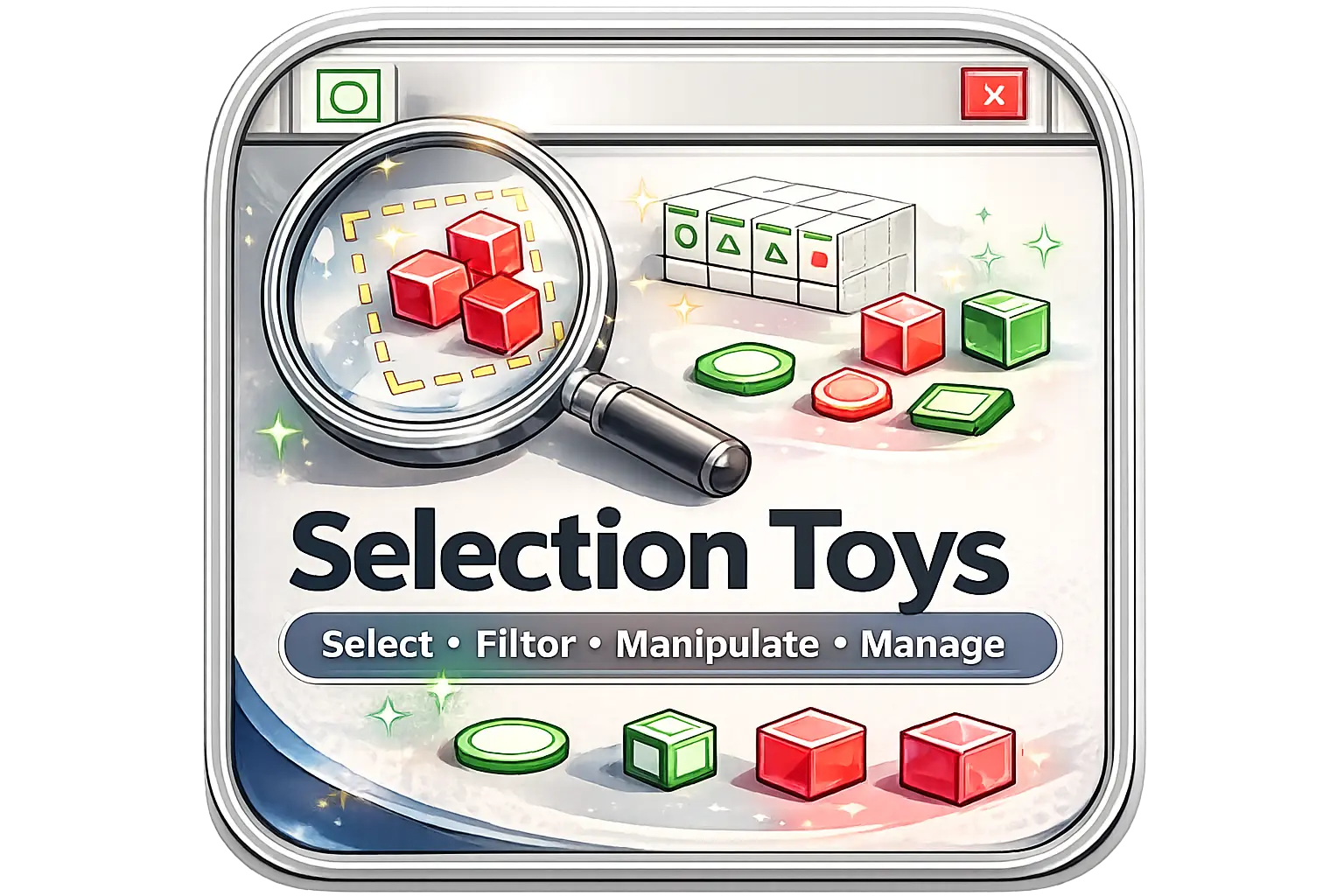
Selection Toys SketchUp Plugin

Selection Toys

Selection Toys provides advanced selection filters and management tools, helping users select, organize, and edit SketchUp geometry more efficiently.

Upright Extrude SketchUp Plugin

Upright Extrude

Upright Extrude helps extrude faces vertically with better control, making it useful for architectural forms, façade elements, and faster SketchUp workflows.
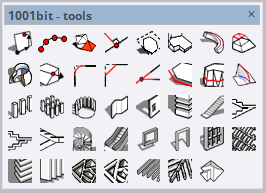
1001bit Tools SketchUp Plugin

1001bit Tools

1001bit Tools adds practical architectural commands for creating stairs, windows, roofs, and other building elements faster inside SketchUp.
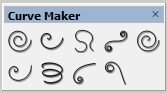
Curve Maker SketchUp Plugin

Curve Maker

Curve Maker helps generate curves and decorative shapes more easily, useful for creative modeling, detailing, and smoother SketchUp design workflows.
DBS Move Rotate SketchUp Plugin

DBS Move Rotate

DBS Move Rotate helps move and rotate objects more efficiently, improving repetitive positioning tasks and better control inside SketchUp workflows.
Solid Inspector SketchUp Plugin

Solid Inspector

Solid Inspector helps detect and fix geometry issues, making it easier to create clean solid models for architecture, 3D printing, and precise SketchUp workflows.

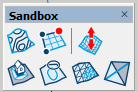
Sandbox Tools SketchUp Plugin

Sandbox Tools

Sandbox Tools helps build terrain, landscape forms, and organic surfaces, useful for site modeling, outdoor planning, and smoother SketchUp workflows.
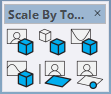
Scale By Tools SketchUp Plugin

Scale By Tools

Scale By Tools helps you resize objects with better control, making it easier to adjust proportions and work more efficiently on precise SketchUp models.
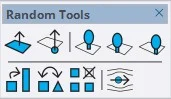
Random Tools SketchUp Plugin

Random Tools

Random Tools adds useful randomization functions in SketchUp, helping you create more natural variations for objects, layouts, and repetitive design elements.

Windows Builder SketchUp Plugin

Windows Builder

Windows Builder helps you create window elements faster in SketchUp, which is useful for architectural modeling, façade design, and repetitive workflow tasks.

Bezier Surface SketchUp Plugin

Bezier Surface

Bezier Surface allows you to create smooth and complex curved surfaces in SketchUp, making it ideal for organic forms, advanced modeling, and high-quality architectural designs.
Curic Space SketchUp Plugin

Curic Space

Curic Space helps you organize, align, and manage objects in SketchUp more efficiently, improving spatial control and speeding up your workflow in complex modeling scenes.

MAJ Stair SketchUp Plugin

MAJ Stair

MAJ Stair simplifies stair modeling in SketchUp by generating accurate and customizable stair designs, making it perfect for architectural projects and detailed interior layouts.

Looking for More Advanced SketchUp Plugins?

Free SketchUp plugins are a great way to improve your workflow, but some projects require more advanced features, deeper control, and specialized tools. If you want to explore premium extensions for faster modeling, architectural detailing, and more professional results, visit our paid SketchUp plugins page.

Explore Paid Plugins

Free SketchUp Plugins for Professional Modeling

Using free SketchUp plugins is one of the smartest ways to improve your modeling workflow without increasing software costs. SketchUp is already a flexible 3D modeling platform, but the right plugins can make it much faster, more accurate, and more suitable for professional architectural work.

At Nice Tower Pro, we curate practical SketchUp extensions that help architects, interior designers, landscape designers, students, and 3D artists complete daily modeling tasks more efficiently. These tools are useful for geometry editing, curved modeling, terrain creation, stair design, solid inspection, scaling, cleanup, and repetitive workflow tasks.

Why Free SketchUp Plugins Matter

SketchUp is powerful by default, but its real strength comes from extensions. The right SketchUp plugins can transform SketchUp into a more advanced modeling environment for architecture, interior design, landscape design, furniture modeling, and visualization preparation.

  • Speed up modeling and reduce repetitive work
  • Create cleaner and more accurate geometry
  • Model curves, organic shapes, stairs, terrain, and architectural elements
  • Improve project organization and workflow consistency
  • Access useful professional tools without extra software cost

Best Free SketchUp Plugins for Architects and Designers in 2026

The demand for free SketchUp plugins continues to grow as architects and designers look for faster, smarter, and more efficient workflows. Professional projects often require additional tools that simplify complex modeling challenges and help users complete work faster.

Many successful SketchUp workflows rely on extensions that help users generate curved geometry, build terrain, inspect solids, create stairs, organize objects, and automate repetitive processes. Choosing the right plugin combination can significantly reduce production time while improving model quality and design consistency.

Whether you are working on residential architecture, commercial projects, interior design, landscape development, furniture modeling, or visualization workflows, the right SketchUp extensions can dramatically improve efficiency and accuracy.

Nice Tower Pro – A Trusted SketchUp Resource

Nice Tower Pro is more than a plugin collection. It is a SketchUp-focused platform built for architects, designers, and professionals who want efficient, modern, and practical workflows.

In addition to free plugins, Nice Tower Pro also provides learning resources, plugin guides, SketchUp tutorials, and curated design assets. You can improve your skills through our SketchUp Tutorials , explore more SketchUp Plugins , and browse useful SketchUp 3D Objects .

Enhance Your SketchUp Workflow

A professional workflow is just as important as having the right tools. Combining free SketchUp plugins with a clean modeling process can dramatically improve speed, accuracy, and project quality.

If you want to organize your models better, avoid common modeling mistakes, and improve productivity, explore our SketchUp Workflow Guide . This guide is especially useful for users who want to build a more professional SketchUp production pipeline.

Free SketchUp Models and Assets

Plugins work best when combined with ready-to-use assets. High-quality SketchUp 3D models can help speed up your design process, reduce repetitive modeling, and allow you to focus more on creativity and presentation.

Explore professional architectural elements, furniture, and design assets through our SketchUp 3D Models library.

AI-Powered Tools for SketchUp Users

Modern SketchUp workflows are also evolving with artificial intelligence. AI tools can support concept generation, rendering, image-to-3D workflows, animation, and presentation tasks.

Tools like SUAPP AI and modern AI rendering workflows help designers speed up decision-making, enhance creativity, and create stronger presentations. Combining AI-powered tools with free SketchUp plugins gives architects and designers a stronger competitive advantage.

Who Should Use Free SketchUp Plugins?

Free SketchUp plugins are useful for a wide range of users, from beginners to professional design teams.

  • Architects and architectural firms
  • Interior designers and furniture designers
  • Landscape designers and urban designers
  • SketchUp beginners, students, and educators
  • Professional 3D modelers and visualization artists
  • Anyone who wants to improve productivity inside SketchUp

Build a Smarter SketchUp Workflow

SketchUp plugins remain one of the most valuable resources for designers who want to work faster, model smarter, and produce cleaner results. The right extensions can reduce repetitive tasks, improve modeling accuracy, and help professionals create better projects without adding unnecessary complexity.

Start exploring the best free SketchUp plugins today and build a faster, cleaner, and more professional SketchUp workflow with Nice Tower Pro.

Frequently Asked Questions About Free SketchUp Plugins

What are SketchUp plugins?

SketchUp plugins, also called SketchUp extensions, are tools that add extra functionality to SketchUp. They help users model faster, automate repetitive tasks, create complex geometry, and improve design workflows.

Are free SketchUp plugins safe to use?

Free SketchUp plugins are generally safe when downloaded from trusted sources. Nice Tower Pro curates practical SketchUp plugins and links users to detailed guides for better workflow understanding.

What are the best free SketchUp plugins?

Some useful free SketchUp plugins include Shape Bender, True Bend, 1001bit Tools, Solid Inspector, Sandbox Tools, Bezier Surface, Curic Space, MAJ Stair, and other modeling, cleanup, scaling, and architectural workflow tools.

How do I install free SketchUp plugins?

Most SketchUp plugins can be installed through SketchUp Extension Manager. Download the plugin file, open SketchUp, go to Extension Manager, choose Install Extension, and select the plugin file.

Do free SketchUp plugins work for professional projects?

Yes. Many architects, interior designers, and 3D modelers use free SketchUp plugins for professional workflows, including architectural modeling, furniture design, landscape modeling, cleanup, and visualization preparation.

What is the difference between free and paid SketchUp plugins?

Free SketchUp plugins usually focus on useful core modeling features, while paid plugins often provide advanced automation, specialized workflows, deeper control, and professional production tools.

Can SketchUp plugins improve workflow speed?

Yes. SketchUp plugins can reduce repetitive work, improve accuracy, simplify complex geometry creation, and help users complete modeling tasks faster.

Where can I learn how to use SketchUp plugins?

You can learn how to use SketchUp plugins through Nice Tower Pro guides and SketchUp tutorials that explain plugin usage, modeling workflows, and professional design techniques.

Access Notice

Please allow ads to continue

Nice Tower Pro provides free SketchUp plugins, tutorials, 3D resources, and architecture content. Ads help us keep these resources available for everyone.

  1. Disable AdBlock for nicetowerpro.com.
  2. Refresh this page after allowing ads.
  3. You can then continue browsing normally.

Access will continue after ads are allowed for this website.