NICE TOWER / SKETCHUP EXTENSION
Beautiful calligraphy.
Made part of your design.
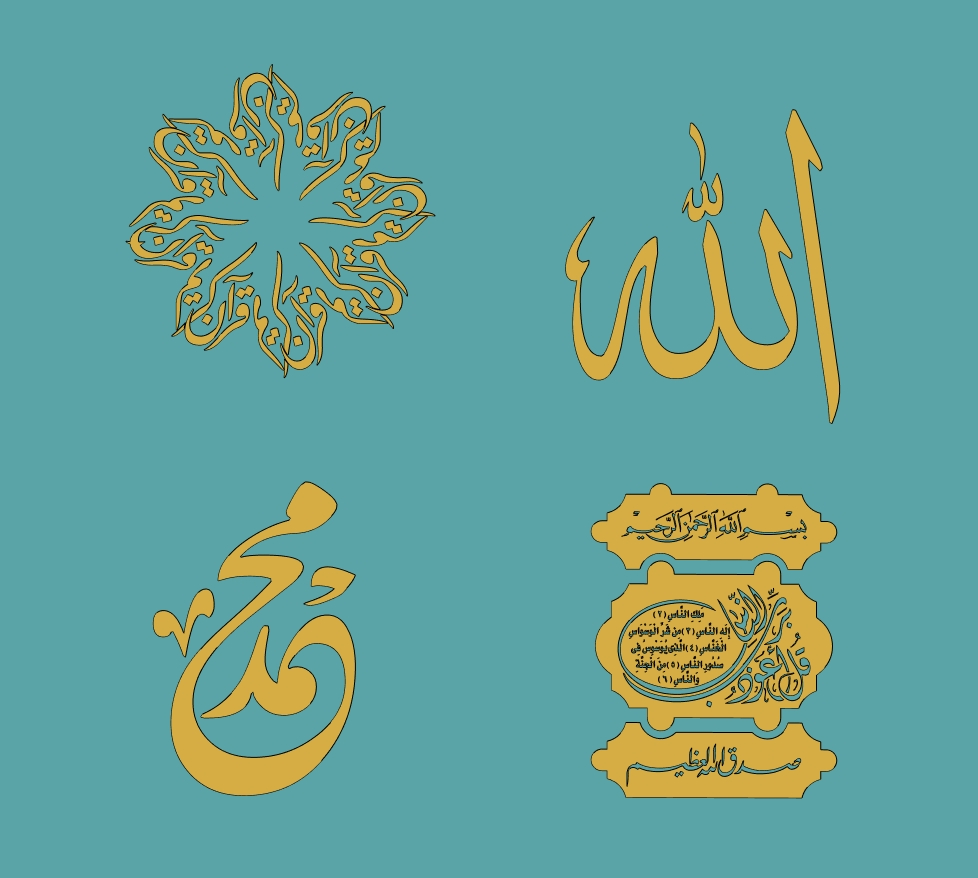
Bring Islamic calligraphy into your SketchUp models with ready-made designs for raised lettering and decorative edge carving. Choose a design, place it on a flat face and shape the result to suit your project.
Get Pro for $20Download Free5 free designs · Pro unlocks the full collection · 2-device Pro license
TWO CREATIVE WORKFLOWS
From lettering to sculpted detail.
Raised lettering
Add dimensional calligraphy to feature walls, decorative panels and interior concepts. Adjust the size, position, rotation and thickness while checking placement in your model.
Decorative edge carving
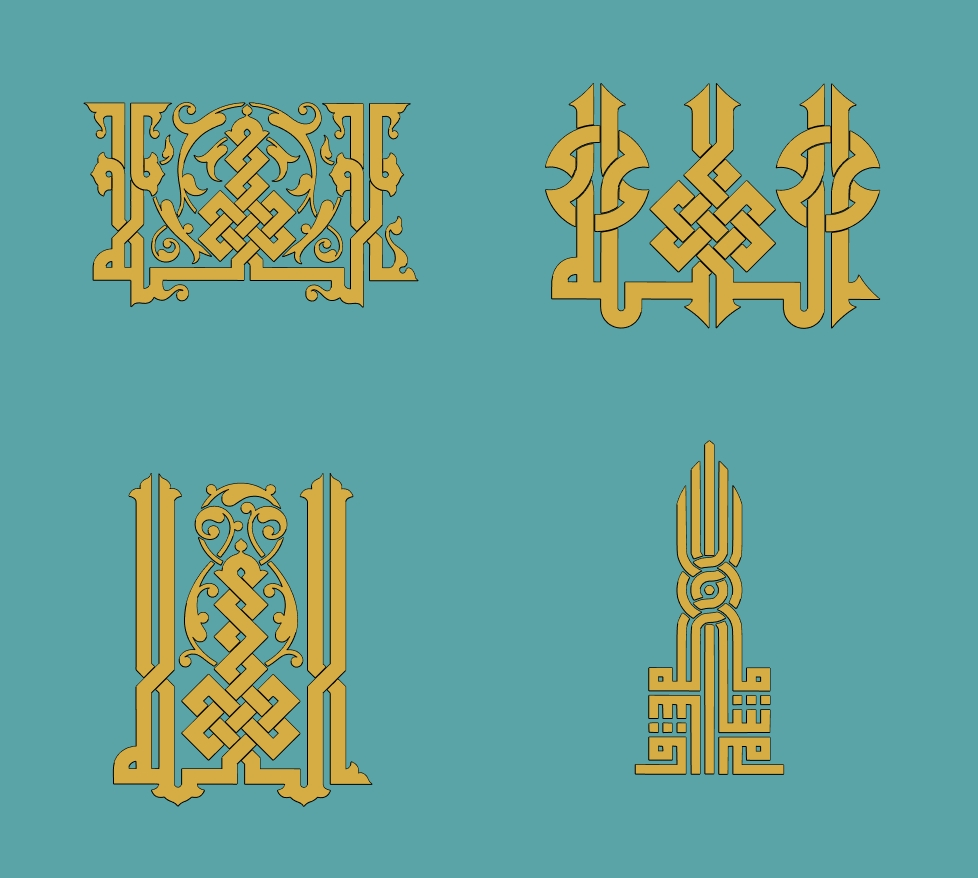
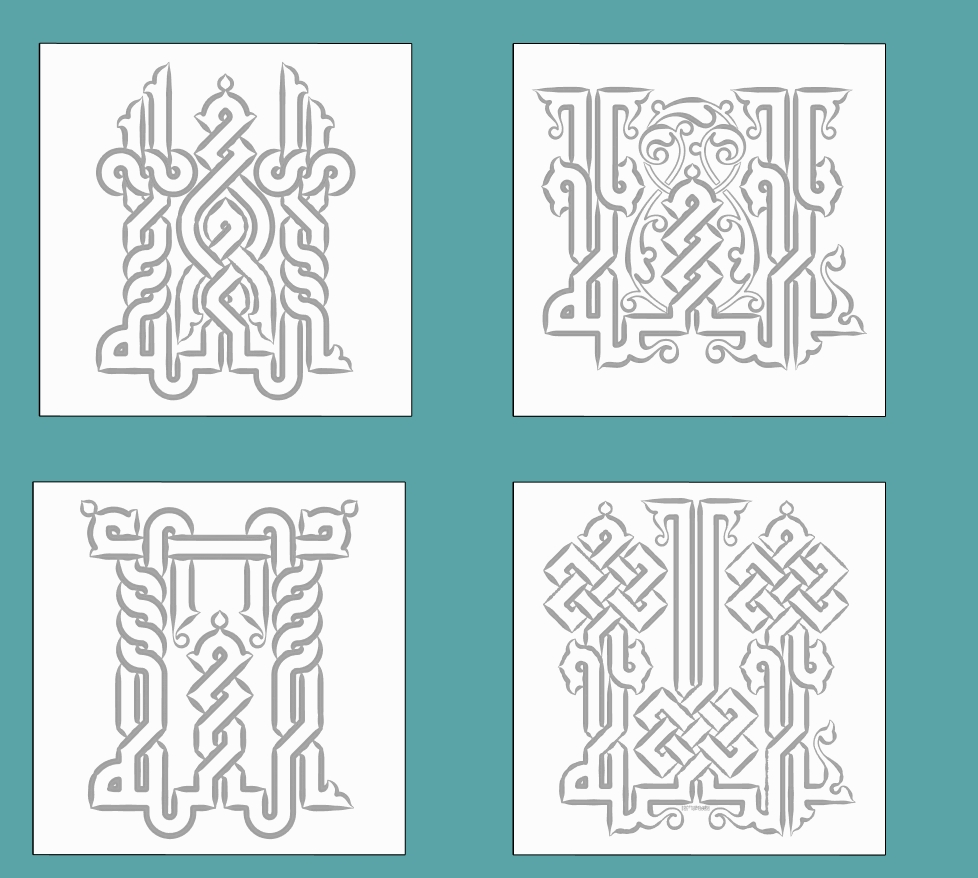
Create rounded grooves along compatible calligraphy outlines, with locally varying detail. Control depth and choose from five groove-width settings while preserving the original face boundary.
WATCH THE WORKFLOW
See calligraphy take shape.
Watch a real SketchUp demonstration, then explore the controls and examples below.
Choose a design from the library and place it on a flat face. Adjust its size, position and rotation to suit a feature wall or decorative panel.
Start with the five free designs to explore the workflow in your own model.
DESIGNED FOR YOUR WORKFLOW
Place precisely. Refine naturally.
A library you can navigate
Browse popular Islamic calligraphy designs by category, including Allah, Muhammad, Bismillah and decorative compositions. Search and filter Free or Pro designs to find what you need.
Live placement controls
Set dimensions in millimetres, keep proportions, move horizontally or vertically and rotate before applying. Use a flat circular, arched, rounded or polygonal face.
Detail under your control
Adjust carving depth and groove width. Completed carving stays grouped; add another non-overlapping design to the panel or use Edit last to refine the latest placement.
TAKE A CLOSER LOOK
Explore the details in your model.
Use the live preview to find the right scale and placement before creating the final geometry. The next demonstration shows more of the plugin in SketchUp.
Check the composition before you apply it. Use the placement controls to balance the lettering with the surrounding surface.
For compatible edge-carving designs, adjust the groove depth and choose a groove-width setting that suits the scale of your project.
THE DESIGN GALLERY
A closer look at the possibilities.
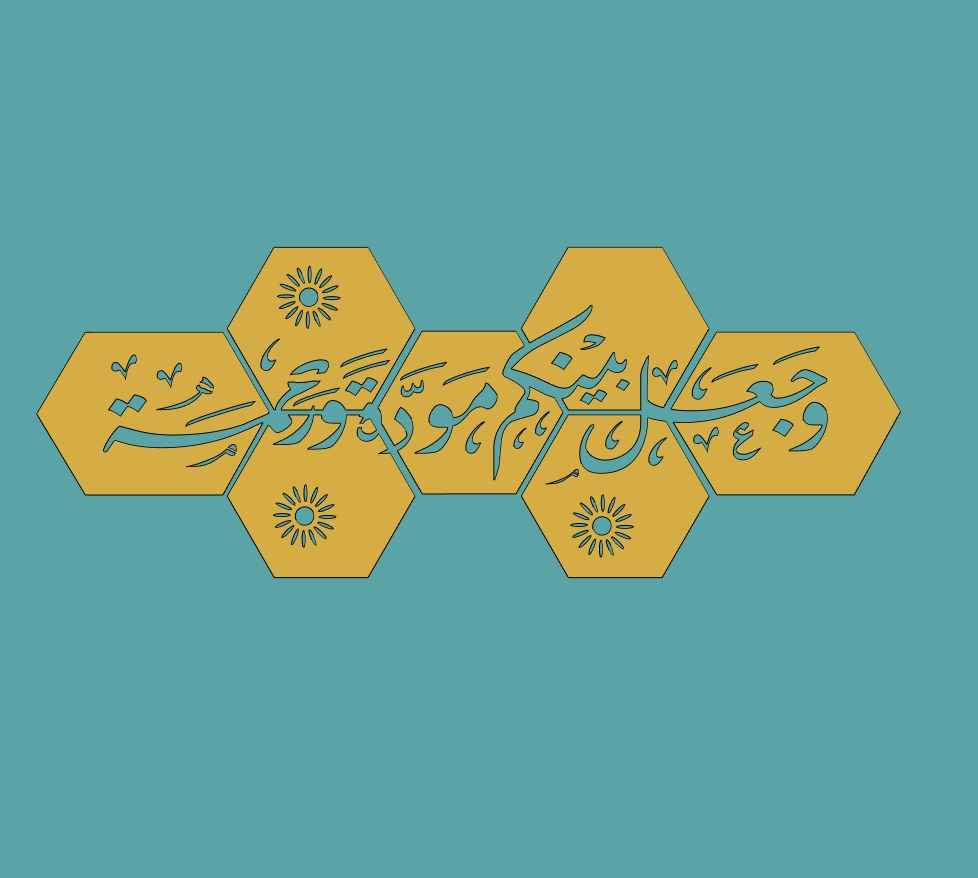
Explore lettering and carved compositions for your next decorative panel or architectural presentation.
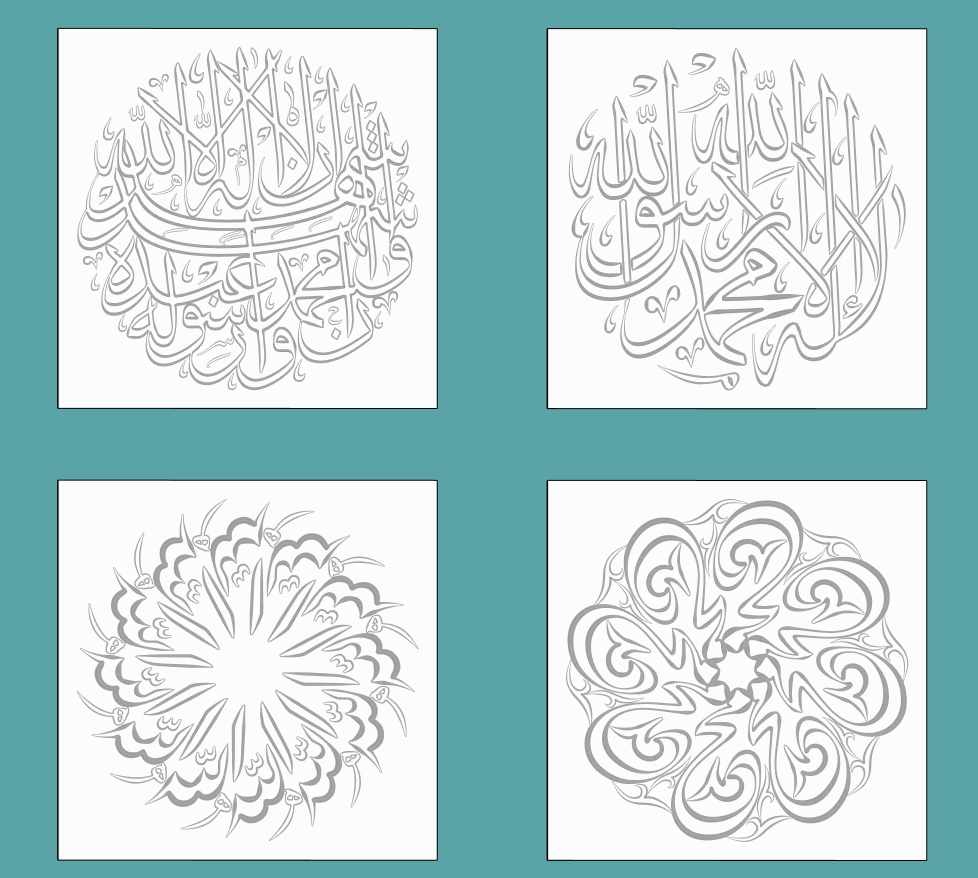
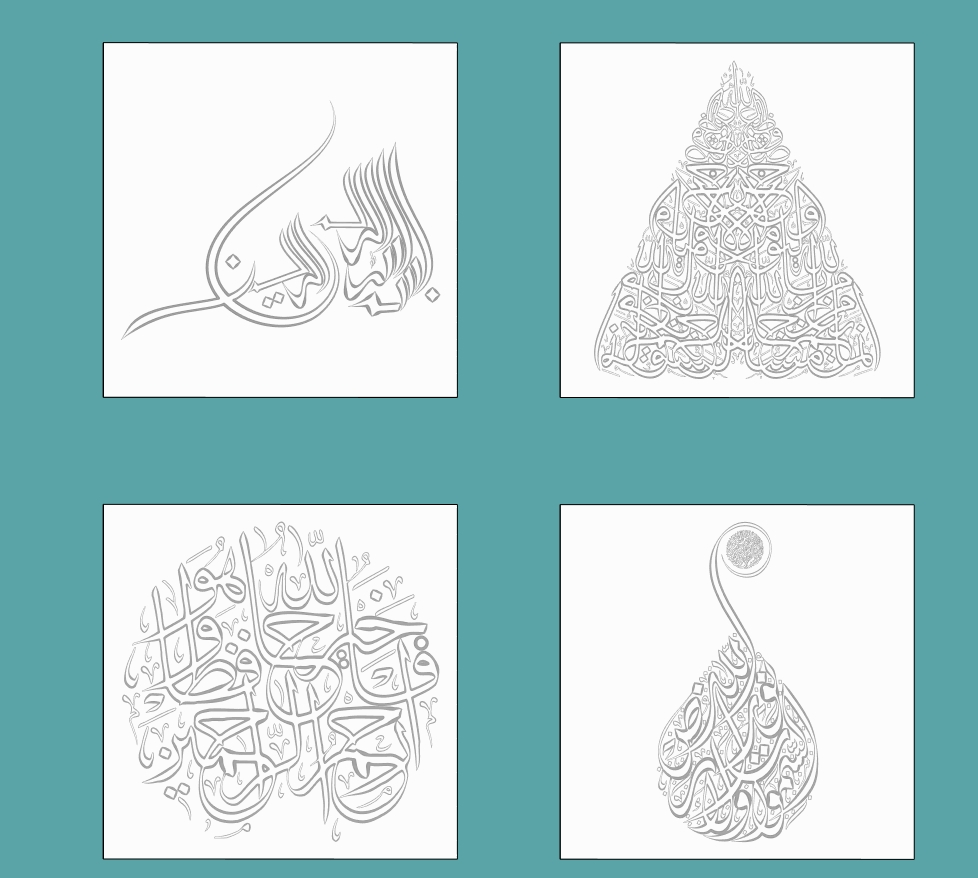
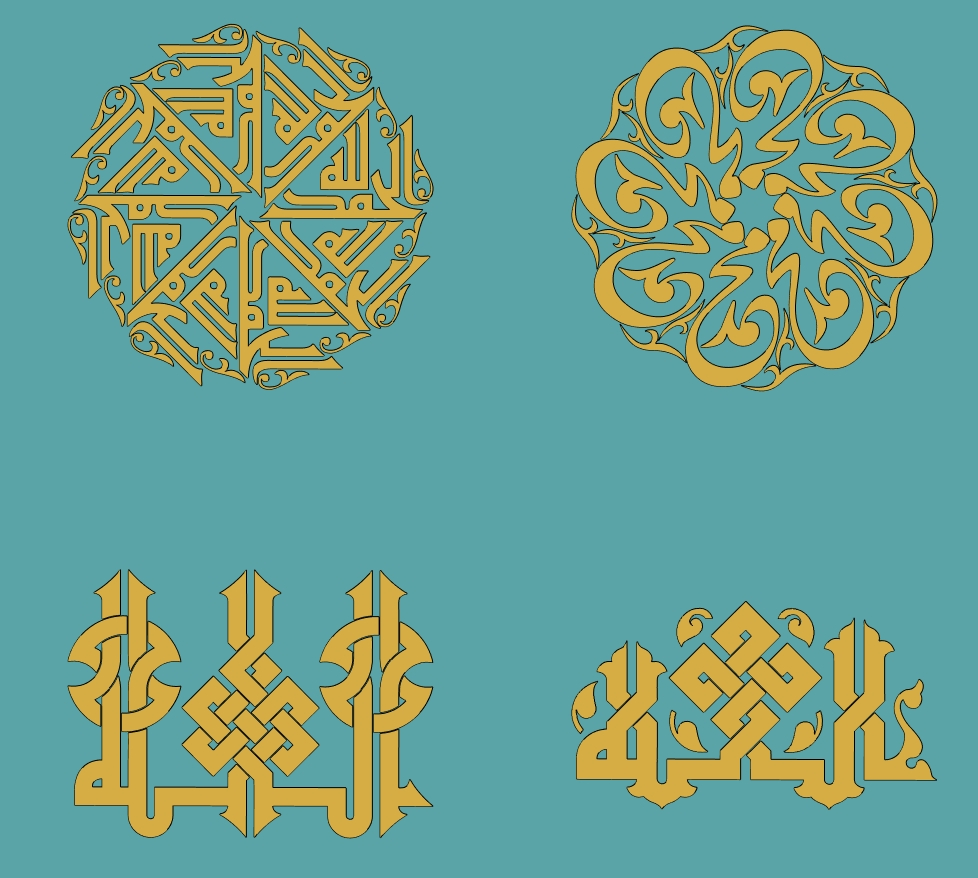
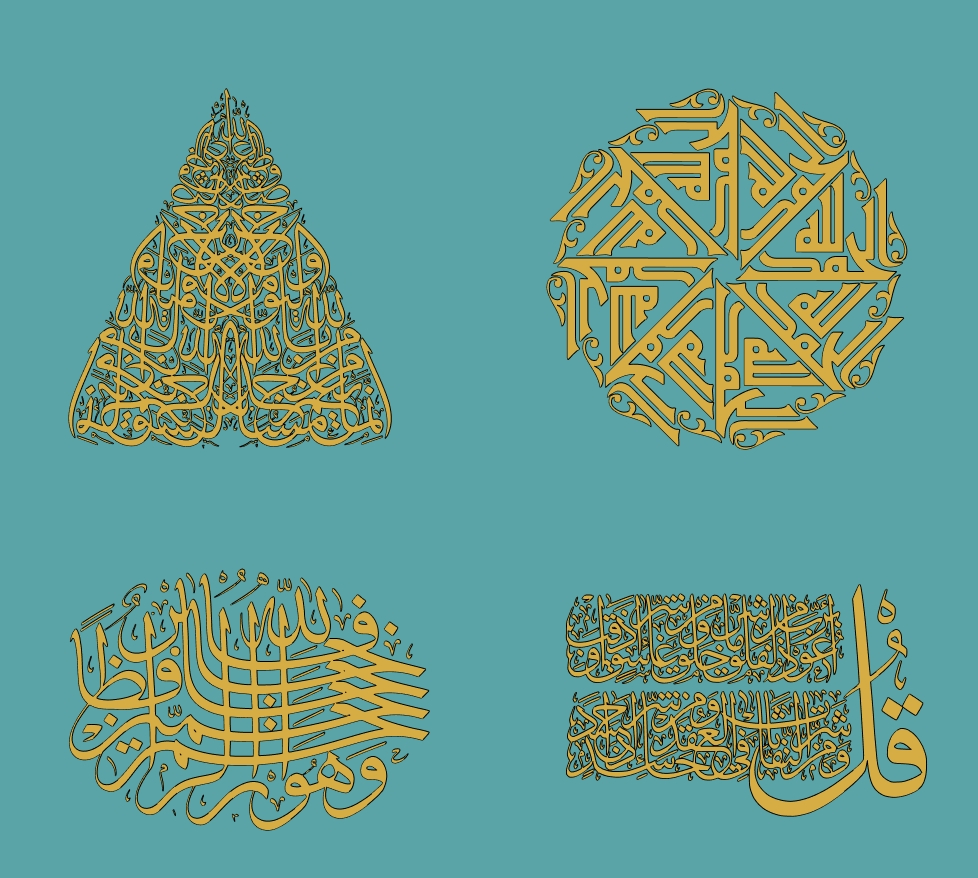
FROM MODEL TO WORKSHOP
Export the geometry.
Prepare your next step.
Use Export CNC on a completed plugin group to take your design into the next stage of production preparation.
Files for your workflow
Raised lettering: DXF and SVG geometry, plus a PDF with dimensions.
Edge carving: STL export of the engraved surface in millimetres.
Exports are geometry, not machine toolpaths. Your workshop must prepare and verify stock, tools and cutting settings in CAM. Carved surface STL files do not include an added backing.
MORE POSSIBILITIES
Look beyond a single design.
Explore another example from the collection and see how calligraphy can become part of your modeling workflow.
Explore calligraphic compositions for wall features, decorative screens and interior details. Preview different designs to find the right fit for your space.
Use raised lettering or compatible edge carving to bring a different character to the same flat surface.
CHOOSE YOUR ACCESS
Start free. Create more with Pro.
Free
$0
- Five free designs
- Preview the Pro library
- Explore lettering and compatible carving designs
- Signed installer and English guide
ZIP download · about 234 MB
Extract the ZIP, then install the RBZ through Extension Manager.
FULL PRO ACCESS
NT Islamic Calligraphy Pro
$50 $20
One license. Two devices.
- Unlock the Pro design library
- Raised lettering and compatible edge carving
- Depth, size and groove-width controls
- CNC geometry export for completed results
- License delivery after successful payment
Internet required for activation and periodic checks. Up to 7 days offline after successful validation.
GET STARTED IN SKETCHUP
Install. Activate. Create.
01 / Install
Download and extract the ZIP. In SketchUp desktop, open Extension Manager, install the included RBZ and restart SketchUp.
02 / Choose your design
Open NT Calligraphy Tools, choose lettering or carving and pick a flat face. Free designs are ready to use; activate your purchased license to unlock Pro.
03 / Make it yours
Adjust the preview, then click Apply or double-click the placement in the model. Select the completed group when exporting.
ONE MORE DEMONSTRATION
Ready for your next project.
Watch the final example, then start with the free designs or unlock the Pro library for your own projects.
Download the signed installer and English guide, then try the free collection in SketchUp. Pro unlocks the wider collection with a license for two devices.
Review the examples above and choose the workflow that fits your next design.
BEFORE YOU START
Your questions, answered.
Does it work in SketchUp for Web?
No. This is an RBZ extension for SketchUp desktop. This release has been tested in SketchUp 2026 on Windows.
What is the difference between Free and Pro?
Five designs are free. Pro unlocks the remaining design library, including compatible designs in the separate edge-carving section. Both use the same installer.
Can I use one license on two computers?
Yes. Each Pro license supports two devices. To move an activation, connect to the internet and use Deactivate here on the old installation first.
Do I need to stay connected to the internet?
Internet is required to activate and periodically validate Pro. After a successful check, Pro can work offline for up to seven days. Reconnect to validate again; this does not mean your purchase lasts only seven days.
Can I carve onto any surface?
The target must be a flat face. Circular, arched and polygonal boundaries are supported. Keep the design inside the face and clear of holes or existing carved designs. Curved walls are not flat faces.
Are the exports ready to run on a CNC machine?
No. DXF, SVG, PDF and STL outputs support preparation. A workshop must check dimensions and geometry and generate suitable machine toolpaths in CAM.
Where can I get help?
Email [email protected] with your SketchUp version and the message shown in the plugin. The download also includes an English user guide.
MAKE YOUR NEXT DESIGN MORE EXPRESSIVE
Bring calligraphy into your SketchUp workflow.
Choose Free or ProNT Islamic Calligraphy by Nice Tower